How to register a macro user function?
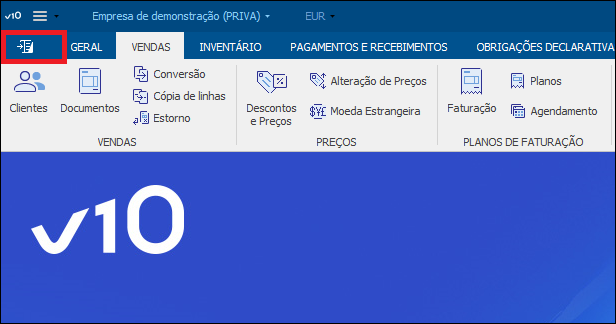
This document describes the steps required to create a User Role for running an extensibility macro. To create this function, follow these steps: 1 - Access the configuration area. 2 - Select the Extensibility > Functions option. 3 - The following window displays all user functions available in the system. Select New; 4 - In the next window you can set the user function properties. On the first page enter the function name, description and select the 'Extensibility Macro' type. 5 - On the 'Setting' page, start by selecting the extension where the function is developed. 6 - Select a function from the list. 7 - The function's parameters will be defined by the selected user function 8 - The result of the user function will also be determined by the extensibility macro definition. In this case, since it is a Void function, it will return no results. 9 - Confirm.