Last changed in 26/12/2024
The webapi authentication is performed using the "Primavera Identity" service.
Note: The webAPI is only available for Universe line customers.
To get the authentication token, you must follow these steps:
- Make the call to Primavera Identity (https://identity.primaverabss.com/connect/token), placing the clientId, client_secret sent on the webapi registration email.
- Example of the postman call
- After making the call, the authentication token is returned

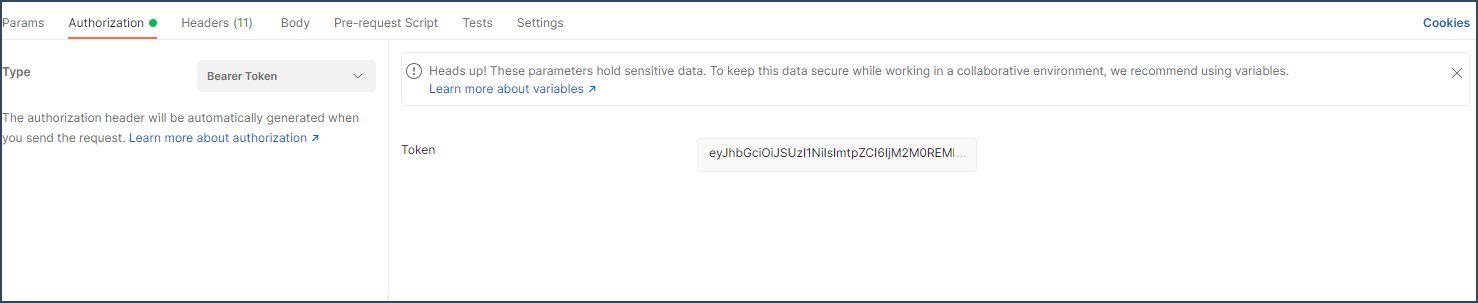
- The authentication token is necessary to call specific product methods, for example, to get the equipment list
Bookmark or share this article
